|
|
David's
MEDT 7462
|
|
I
familiarized myself with the Moodle
discussion board
and its integration with Microsoft Outlook and I also read the
following PDFs:
Furthermore…
It has been
a terrific start to a class that I
am pretty
geeked up about. I like the Camtasia
tutorials. Thanks to Dr. Bray’s
email
recommendation, I was able to secure funding through Vocational
Rehabilitation
to purchase Camtasia Studio 7. I have
learned a great deal from reading the introductions in CourseDen and
the
postings of our favorite educational tools in Moodle.
I felt like a kid in a candy store almost
overwhelmed with all the new and fresh resources pouring in! This is going to be a great class and a great
summer! - DSR
I downloaded
the following required software
onto my
Windows 7 PC:
The value to
me of this module is to experience
first-hand how to teach students to prepare an electronic portfolio. Whether it is using a web site as in this
module, or a wiki, or a PowerPoint in conjunction with a Dropbox or
SugarSync
account to preserve their files in the cloud long-term, this is a super
skill
that every student can benefit from. -- DSR
After making
my post (and reading and
responding to
several others) I enjoyed taking a more enlightened approach of writing
new
learning objectives and re-wrote a set from a virtual online class I
designed
called “Introduction to Financial Peace.”
This exercise was good in that it forced me to run my old
thoughts
through a new framework, which nearly always is a good thing.
The Web 2.0
textbook is a good read and
continues to
supply outstanding research and information.
The quiz was short and sweet (just the way I like my quizzes!) and I appreciate their design and,
interestingly, I find myself still a bit intrigued by how Moodle
processes
quizzes (or, I might discover later, accommodates a widget).
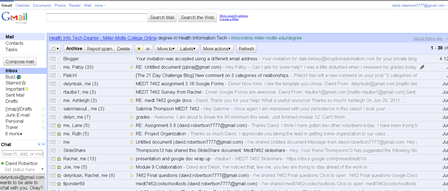
Of course, I
posted my Gmail address to the
Gmail Forum
and since I already had a Gmail account this was a no brainer. Having said that, I appreciate the exercise
requiring all of us to obtain a Gmail email account not only for course
reasons
but because this particular account opens up a world of Web 2.0 tools
for the
uninitiated. For example, the Android
devices thrive on Gmail accounts and one smartphone I had required a
Gmail
account to push email to it.
I think every student should be led through the exercise to obtain a Gmail account because it intuitively points the end user to so many other interesting paths. We will learn much more about this very notion as our course progresses through the summer. -- DSR
The
discussion board focused on teaching styles. I
reviewed the three supplemental resources
from Wikipedia on learning styles, multiple learning intelligences, and
Bloom’s
taxonomy. I took a little extra time on
this module in an attempt to better synthesize the material by creating
a
concept map (using XMIND) to see a broader stroke of teaching styles
and their
tributaries. I attached the concept map
to my post in hopes that other students might benefit from it.
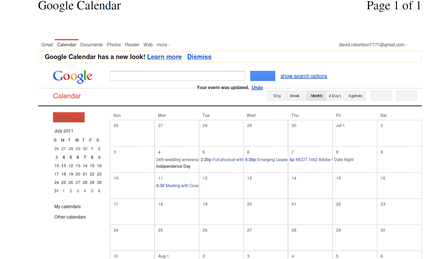
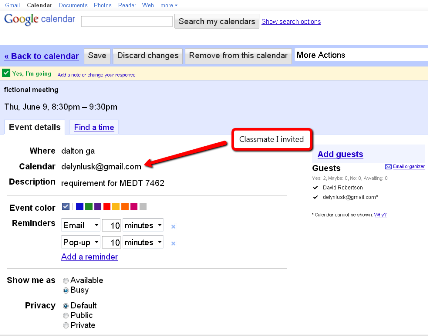
Google
Calendar was this module’s Web 2.0
tool of choice
and a mighty one it is. Its ease of use
and powerful code allow individuals or global organizations to
consolidate
appointments and events in a simplistic manner.
The fact that Google Calendar makes syncing with smartphones a
snap is
an added bonus.
The application for teachers and students is fairly obvious. Class events, assignments, special events, and event invitations can all effortless be accomplished through Google Calendar. -- DSR
The Blogger
exercise was particularly helpful. Our
textbook speaks a great deal on this
subject and provides many examples of progressive teachers who have
caught the
vision. In their classes, students enjoy
blogging and the textbook goes on to cite compelling educational
incentives to
integrate a blog into a class learning experience.
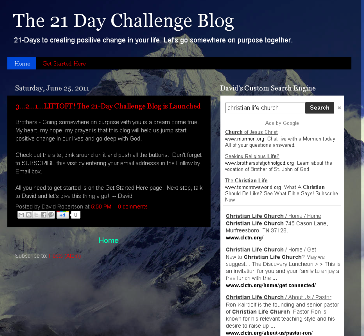
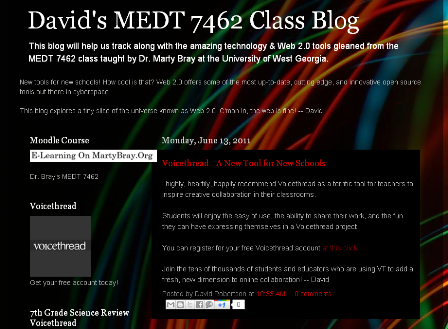
I created a
blog for this module, which was
simple enough
thanks to the team at Google. I guess
this is why “Google” is a household word from Bangalore,
India to Carrollton,
Georgia. Blogs can help teachers and
their stakeholders:
Blogs
can host podcasting players such as the one I have created for my job
that can be viewed
at this link. Where you consider
yourself a blogger, a blogster, or a blogmeister, you are running with
the
crowd that embraces technology and pushing it to its limits. Some
students’ clarion call might be: “Get
blogging or get passed by!” -
DSR
I liked the
exercise of creating our own lesson
plan /
activity in the context of media literacy.
Frankly, I was able to learn a great deal from just reading the
posts of
some of my peers as they tied their lessons back to the Georgia
Performance
Standards.
The
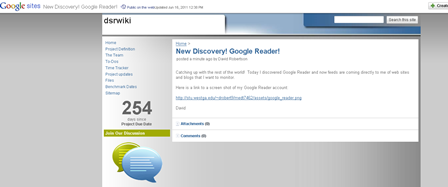
Google Sites adventure was completely new
to me. I built a wiki per the assignment
and gained
a new Web 2.0 tool for my technology toolbox. It does not take much
imagination
to come up with a multitude of classroom applications for the wiki
approach to
online collaboration. The template I
used from Google Sites was a wiki I had never seen before - a
project–based
wiki. It included tools to track
deadlines and a countdown timer; tools that will come in handy for a
workgroup
working on a large project. -- DSR
The
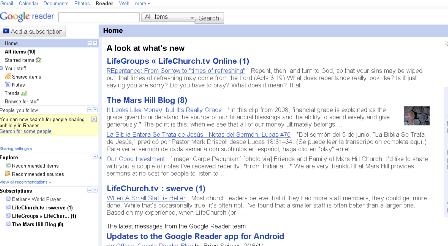
exploration of Google Reader as an
“aggregator” was
an extremely useful exercise. This was
entirely new to me. I can readily see
the educational and personal advantages of using an aggregator to fetch
user-selected content. This is another
case in point of “world flatteners” as Thomas Friedman
described in his
landmark book, “The World is Flat.”
Students
using Google Reader (or similar) could
bring the
web to their class or home computers as well as their
Internet-connected
smartphones. This technology can
eliminate the bane of human nature that forgets to go back and check a
web
site, blog, or wiki because they are either too busy or don’t
have the necessary
discipline to log in regularly. -- DSR
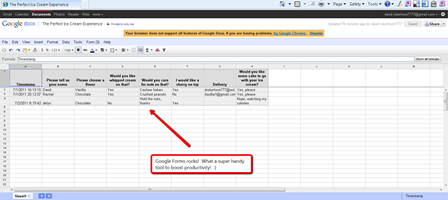
The
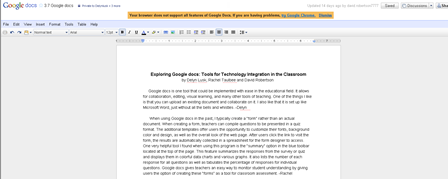
implication for teachers and students is
staggering. Online quizzes, polls,
surveys can be produced by a novice.
Students can collaborate in class or at home.
Shared documents are easily located, edited,
saved, and printed to a printer or PDF format.
I would like to think that every student would encounter Google
Docs at
some point during her education to expose her to a wide array of
real-world
tools that she will more than likely encounter in any job
environment.
Students with 21st century skills
such as familiarity with Google Docs will have a competitive advantage
over
those who do not possess such skills. --
DSR
| REFLECTION |
-- This module’s theme is “Systemic
Issues.” Once again, I had the
privilege of working
with two classmates in a team project. In
this module we explored an ingenious Google Web 2.0 tool called
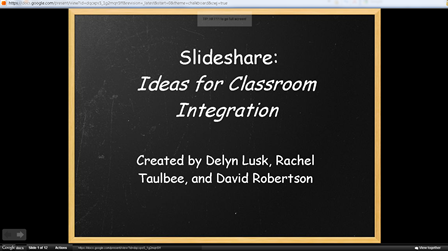
Slideshare.
Slideshare,
in simple terms, is an online
version of the
popular Microsoft PowerPoint. The
brilliance behind Slideshare is its ability to make online
collaboration a
snap. Workgroups these days can be
located in venues as diverse as Indiana and India.
This hearkens to imagery of a “flattened
world” that Thomas Friedman describes in his now-famous book,
“The World is
Flat.”
Slideshare
is a an excellent example of a Web
2.0 tool
that makes it quite simple for team members to edit, add, and delete
slides in
an online presentation. Once produced, the link can be shared via
email, blog
or wiki posting, or posted on a static web site.
It
does not take much imagination to envision
how
students might use this kind of technology in the classroom.
Internet integration, online collaboration
outside of class (or even in remote parts of the same school) could be
limiting
factors in assignments to teach students that they need not be able to
see each
other to effectively collaborate. As I
said in my previous reflection on module 8, students who possess 21st
century skills with an emphasis on Web 2.0 technology will have a leg
up in the
job market after graduation. -- DSR
Assignment 3.9
- Social Bookmarking
| REFLECTION |
--This module’s theme is “Web 2.0 for All.” This was an exciting module for me. Learning about the Web Accessibility
Initiative (WAI) web site was extremely satisfying.
So many resources were made available that
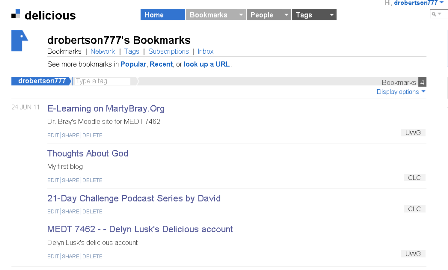
I’m glad we were simultaneously introduced to Delicious social
bookmarking!
Necessity
breeds invention, and Delicious is
one of those
disruptive innovations that built upon the platform of web browsers
like
Internet Explorer, Safari, Opera, and Firefox and took them a step
further with
their bookmarking capabilities.
Delicious’ ability to join in networks and share your own
personalized
bookmark inventory from any Internet connected device is pure genius.
Our
textbook made a great case for social
bookmarking in
light of how today’s students want to personalize their computing
experience. With most students having to
share the same computer at school, it leaves little room for the
customization
that students have grown accustomed to.
Expressing themselves with phone skins, computer backgrounds,
blogs,
online photo galleries using Picasa or Flikr, students are a prime
audience for
social bookmarking. Educators can share
lists of bookmarks for a class easily.
The applications in education are virtually endless. -- DSR
Assignment
3.10 - Using Adobe Connect
(July 7th synchronous meeting) and Technology Connected Lesson Plan
| REFLECTION |
--There are other
service providers on the
web that offer photo editing and
online sharing (Flickr, Photo Bucket and soon iCloud to name a few),
but it’s
just so handy to have your Gmail login ID be the password to so many
other new
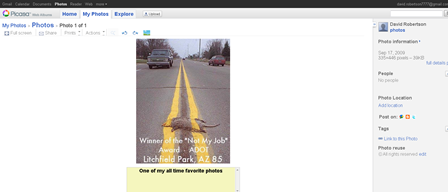
vistas. Picasa makes photo sharing so
easy. Additionally, after downloading
the Picasa to your computer’s hard drive, you now have an icon on
your desktop
that links your web account with the photos on your computer
locally.
Bridging that gap is just the breakthrough
that so many end users need. Moroever,
Picasa’s ability to organize every photo and image on your
computer’s hard
drive automatically is incredible.
Students could showcase their work, even drawings after scanning
them
into PDFs in Picasa. Artwork that normally
would find its final resting place to be the kitchen refrigerator can
now be
shared with grandparents and friends around the country or world thanks
to
Picasa. The educational applications for
this product is only limited by teachers’ and students’
imagination. -- DSR
| REFLECTION |
--Since the Tower of
Babel, the language divide has
segregated mankind into nations, tribes, and people groups strewn
throughout
the planet. The inability to communicate
drove people to cloister together for survival.
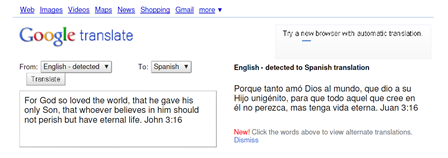
In the millennia since Babel, tools like Google Translate have
made
communication not only possible but simple for the common man.
Students from China can effectively
communicate with students in a Georgia middle school.
It is possible and it is being done through
Google Translate. What an ingenious,
incredible tool! An American tourist in
a foreign country with a smartphone and Internet access literally could
function
and communicate with another non-English speaking culture. -- DSR